> ## Documentation Index
> Fetch the complete documentation index at: https://phidatainc.mintlify.site/llms.txt
> Use this file to discover all available pages before exploring further.
# Building Workflows
> Define steps, loops, conditions, and parallel execution in workflows.
Workflows orchestrate your agents and teams as a series of steps executed in a flow that you control.
## Building Blocks
1. **`Workflow`** manages the run and executes its configured steps.
2. **`Step`** wraps exactly one executor: an `Agent`, a `Team`, a custom Python function, or a nested `Workflow`.
3. **`Steps`** groups steps into a named sequential unit.
4. **`Loop`** repeats one or more steps until an end condition succeeds or the iteration cap is reached.
5. **`Parallel`** runs independent steps concurrently and aggregates their outputs.
6. **`Condition`** runs its steps when a boolean evaluator passes and an optional else branch when it fails.
7. **`Router`** picks which step or steps run next from its choices.
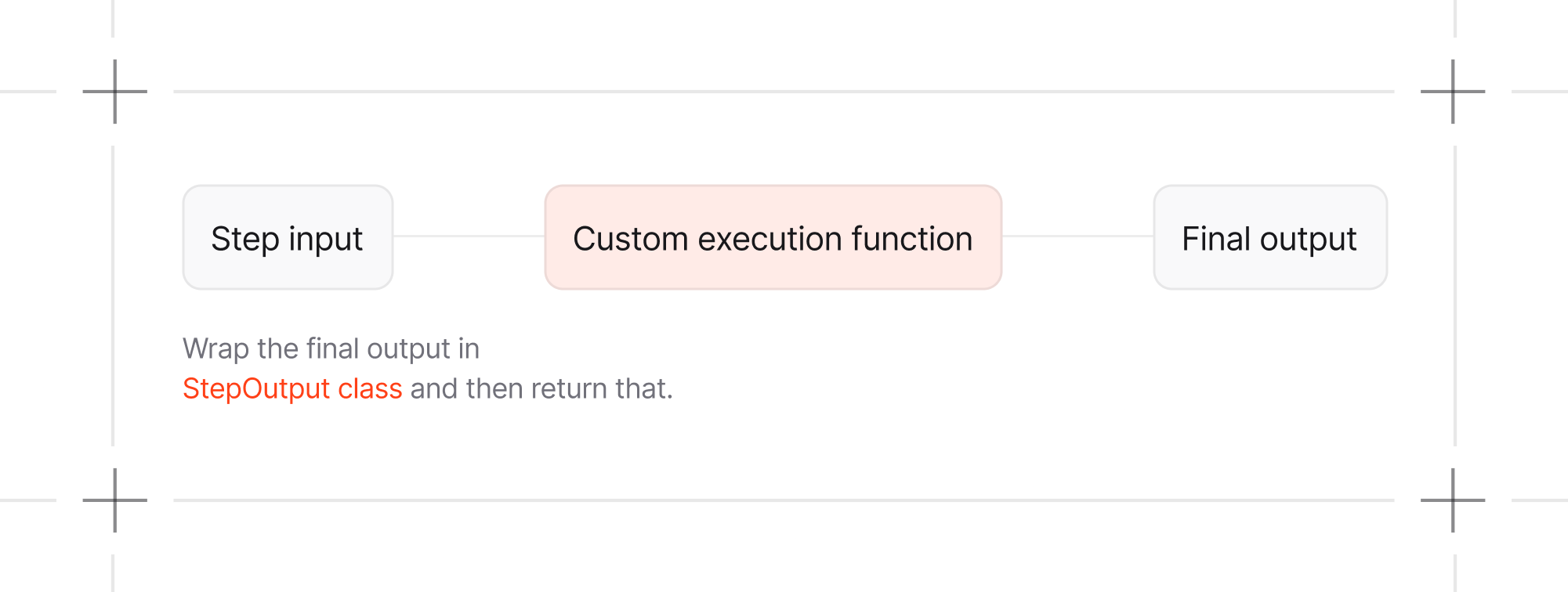
When using a custom Python function as an executor for a step, `StepInput` and
`StepOutput` provide standard interfaces for data flow between steps.
 ## Your First Workflow
You can mix agents, teams, and functions as steps in the same workflow:
```python mixed_workflow.py theme={null}
from agno.agent import Agent
from agno.team import Team
from agno.workflow import StepInput, StepOutput, Workflow
research_team = Team(
name="Research Team",
members=[
Agent(
name="Researcher",
instructions="Research the requested market and list the main competitors.",
)
],
)
content_agent = Agent(
name="Writer",
instructions="Turn the supplied research into a concise competitive analysis.",
)
def data_preprocessor(step_input: StepInput) -> StepOutput:
research = step_input.previous_step_content or "No research was returned."
return StepOutput(content=f"Research to analyze:\n{research}")
workflow = Workflow(
name="Mixed Execution Pipeline",
steps=[
research_team,
data_preprocessor,
content_agent,
],
)
workflow.print_response(
"Analyze the competitive landscape for fintech startups",
markdown=True,
)
```
## Install
```bash theme={null}
uv pip install -U agno openai
```
## Next Steps
| Task | Guide |
| ------------------------------------- | ------------------------------------------------------------------------------------------- |
| Execute a workflow and process events | [Running Workflows](/workflows/running-workflows) |
| Choose a control-flow primitive | [Workflow Patterns](/workflows/workflow-patterns/overview) |
| Implement a function executor | [Custom Functions in Workflows](/workflows/workflow-patterns/custom-function-step-workflow) |
## Your First Workflow
You can mix agents, teams, and functions as steps in the same workflow:
```python mixed_workflow.py theme={null}
from agno.agent import Agent
from agno.team import Team
from agno.workflow import StepInput, StepOutput, Workflow
research_team = Team(
name="Research Team",
members=[
Agent(
name="Researcher",
instructions="Research the requested market and list the main competitors.",
)
],
)
content_agent = Agent(
name="Writer",
instructions="Turn the supplied research into a concise competitive analysis.",
)
def data_preprocessor(step_input: StepInput) -> StepOutput:
research = step_input.previous_step_content or "No research was returned."
return StepOutput(content=f"Research to analyze:\n{research}")
workflow = Workflow(
name="Mixed Execution Pipeline",
steps=[
research_team,
data_preprocessor,
content_agent,
],
)
workflow.print_response(
"Analyze the competitive landscape for fintech startups",
markdown=True,
)
```
## Install
```bash theme={null}
uv pip install -U agno openai
```
## Next Steps
| Task | Guide |
| ------------------------------------- | ------------------------------------------------------------------------------------------- |
| Execute a workflow and process events | [Running Workflows](/workflows/running-workflows) |
| Choose a control-flow primitive | [Workflow Patterns](/workflows/workflow-patterns/overview) |
| Implement a function executor | [Custom Functions in Workflows](/workflows/workflow-patterns/custom-function-step-workflow) |