

Approval Flow
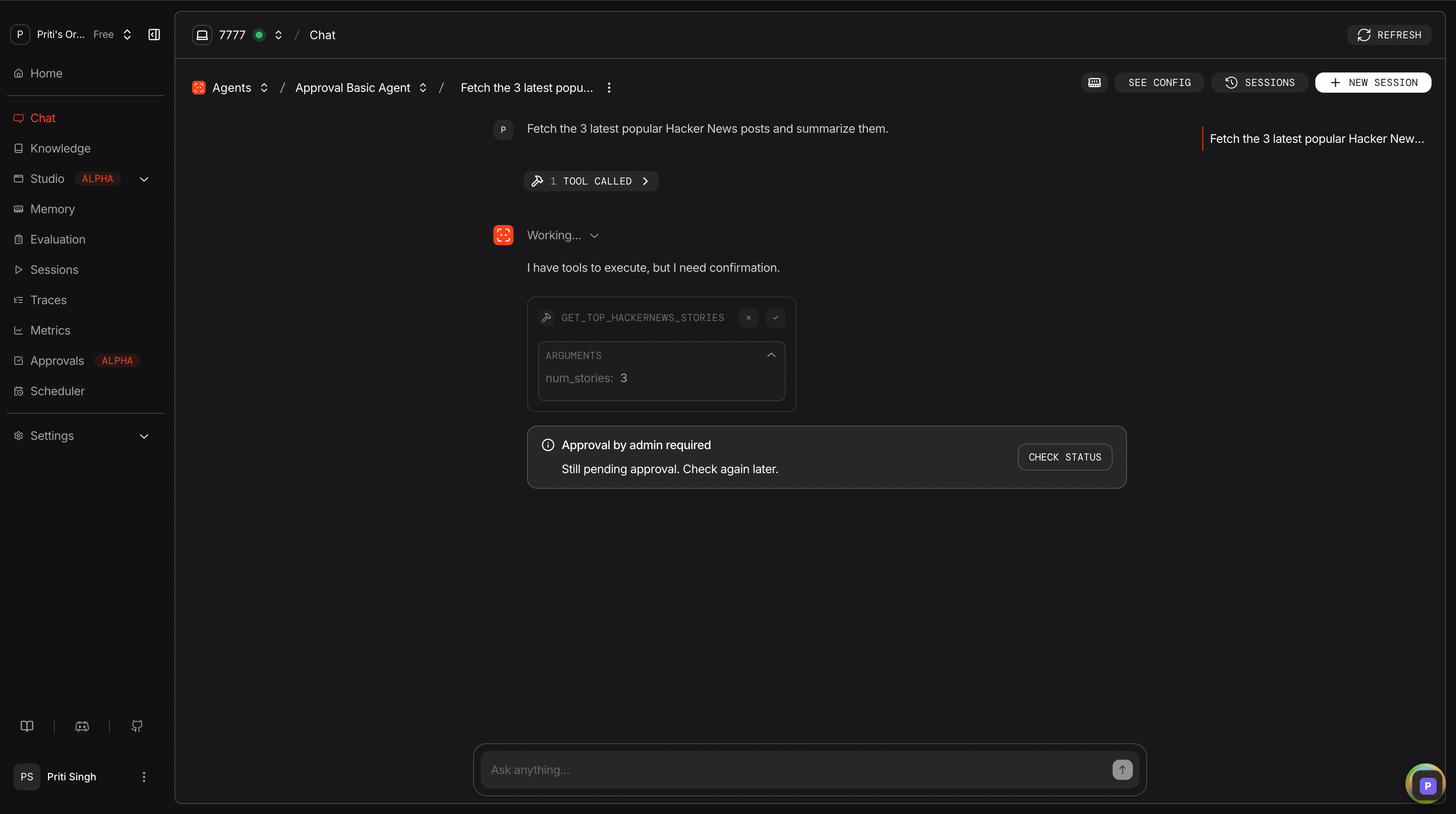
When a user triggers a tool decorated with@approval, the run pauses and a pending record is persisted to the database. An admin resolves the request via the AgentOS Control Plane or the API, and the run can then be continued.
Managing Approvals
View and resolve pending approvals from the AgentOS Control Plane. Each entry shows the agent, tool, arguments, and requesting user.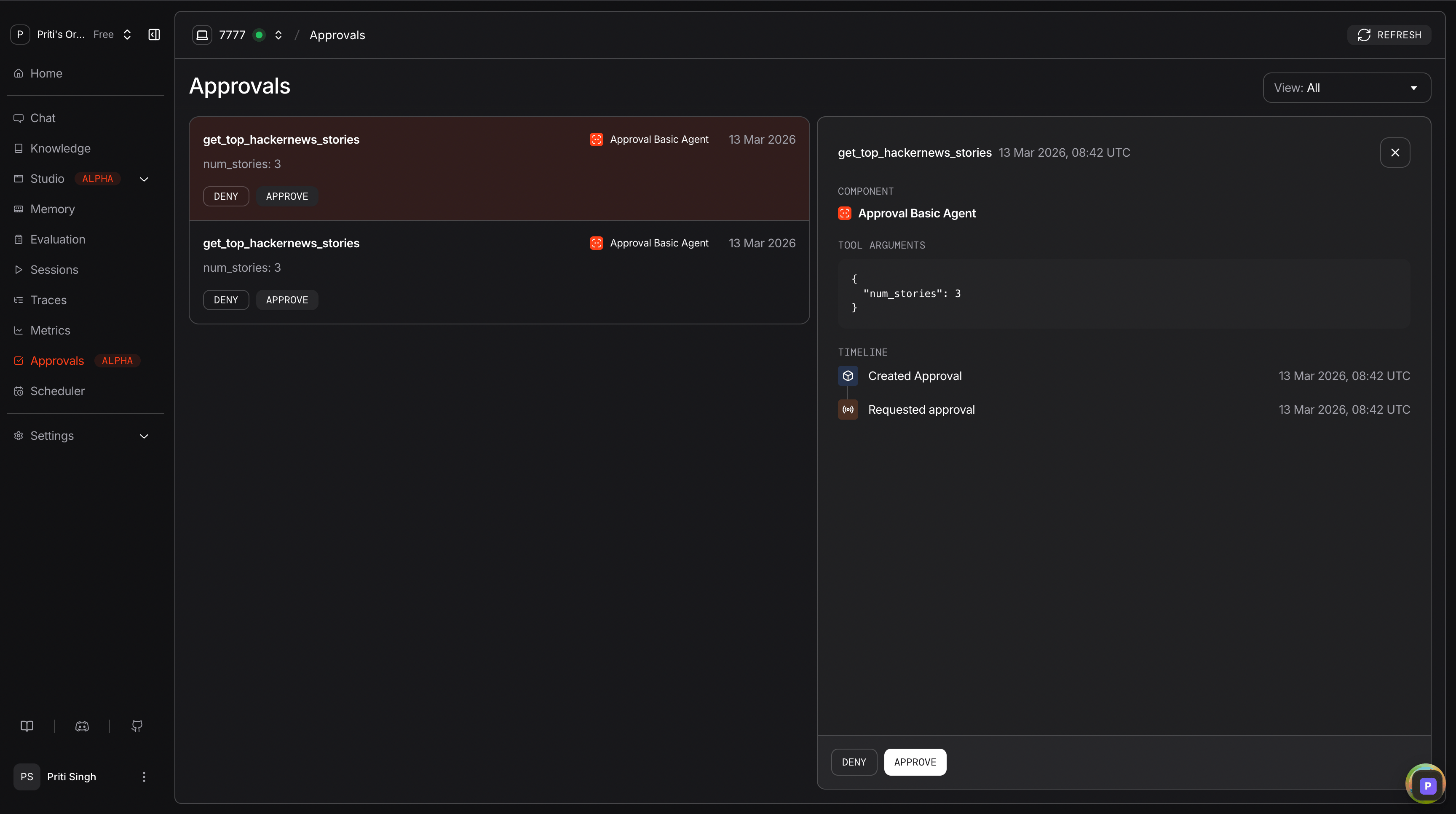
Approval Types
Approvals API
When authorization is enabled, resolving requires the
approvals:write scope. The same scope also lets you continue a run that is still paused on a required approval.