

Construct Queries
The filter bar supports structured queries with autocomplete for field names, operators, and enum values.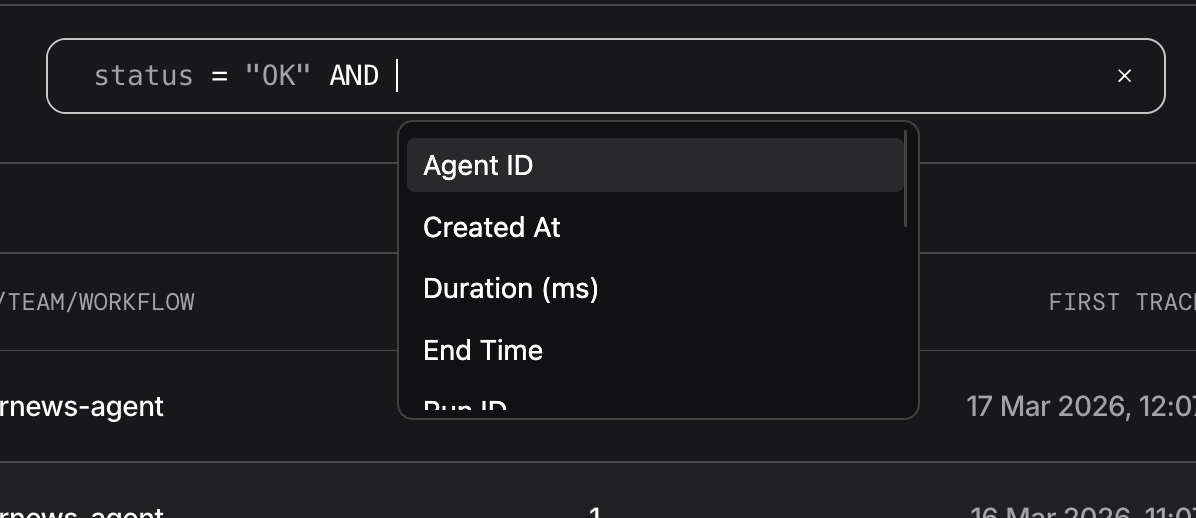
Filter bar with autocomplete suggestions
Fields
Fields are fetched dynamically and may vary. The defaults:Operators
Operator support varies by field.
name (Trace Name) supports =, !=, contains, and startswith, but not in.
Combining Conditions
AND: all conditions must matchOR: any condition must match- Operators and keywords are case-insensitive (
and,AND,Andall work)
Examples
Single condition:Time Filters
The date picker sits next to the filter bar.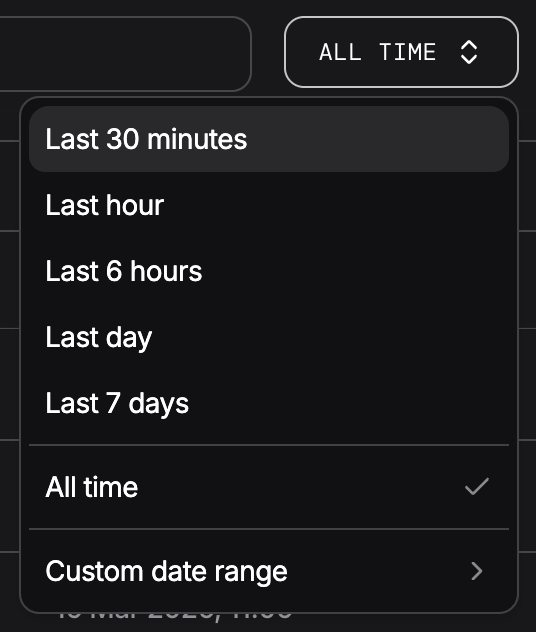
Date picker presets
The filter bar and date picker are mutually exclusive. Applying a text filter clears the date range. Picking a date range clears the text filter.
Views
Toggle between two views using the Runs / Sessions tab at the top right of the filter bar.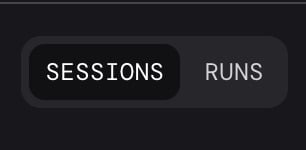
Runs and Sessions view toggle
- Runs: individual trace executions
- Sessions: traces grouped by session